

copy or delete an event from my community
Go to Overview in your community, click the event.
- Scroll down in event -> Roadmap.
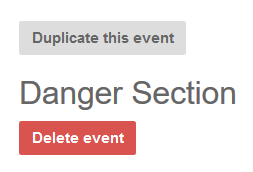
If you like to copy the event click Duplicate event
If you like to delete the event, click Delete
- When you are copying an event, change the name and date if needed
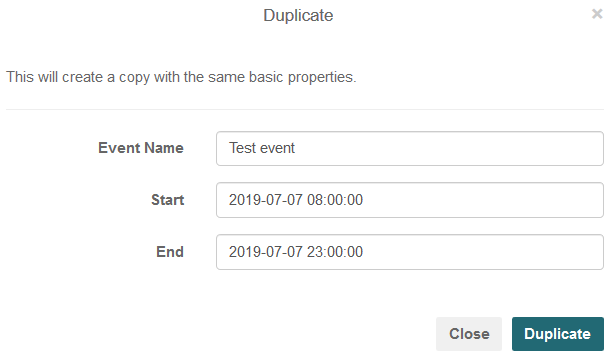
- Click Duplicate