

Activate your code to (pre)view the app
You might have already encountered the download and code entering instruction pop-up when you started the (trial) event:
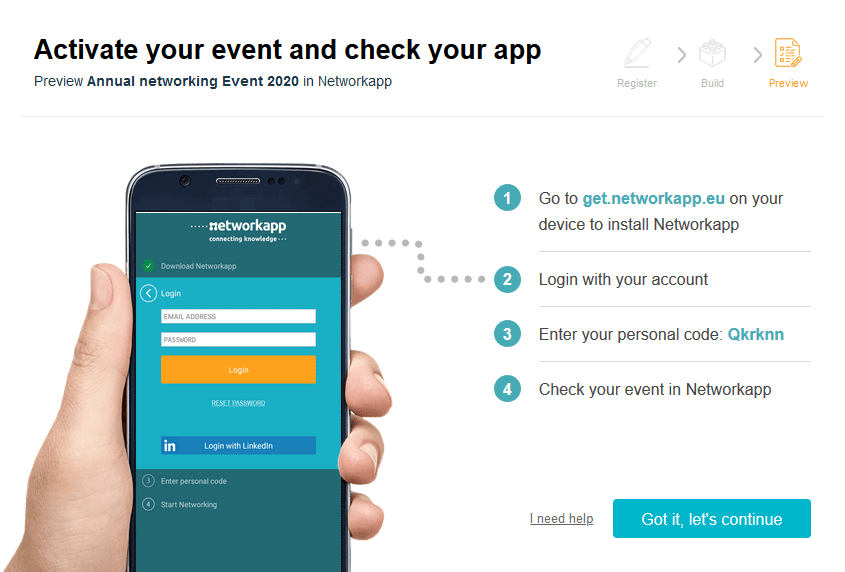
If you skip this step by clicking ‘Got it, let’s continue’ you’ll find an uncompleted step at the Road map overview page:

- Click the banner as shown above
- Follow the instructions
- Open the app on your device, click +New Code in the top right corner and enter the unique code you see in the pop-up in your dashboard
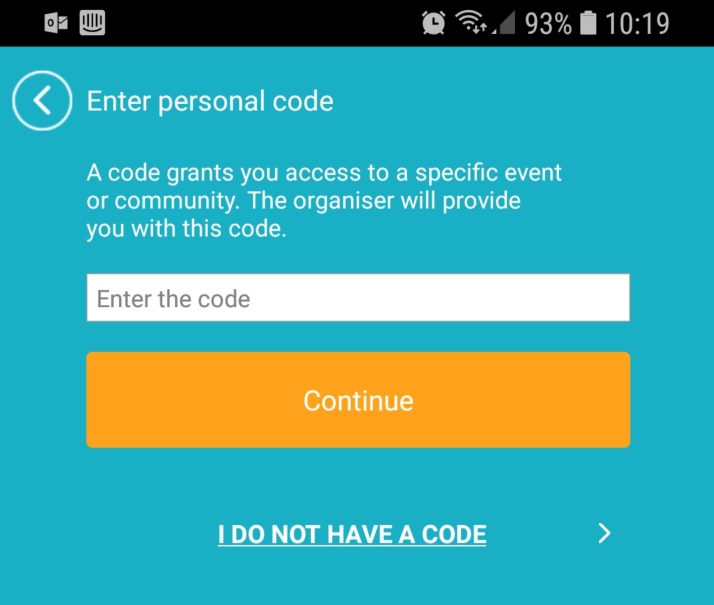
- Click Continue
- You now have access to your eventapp.
Keep in mind that you are now also registered as a participant in the app.