Change your order
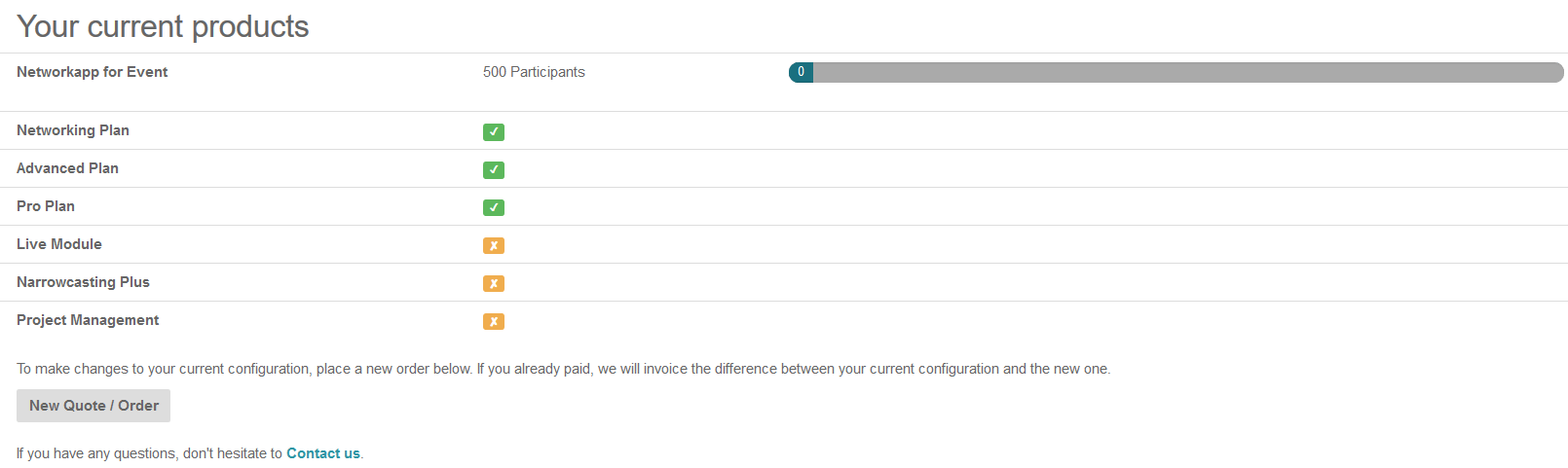
 Go to Get Organised-> Tab My products


- Click New quote/order
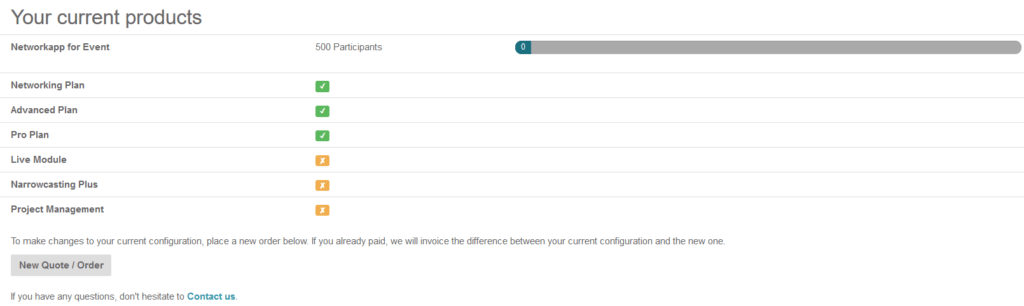
- Select the required/wanted options
- Click Send Quote when you wish to receive a new quote before you proceed with purchase
Click Order Now when you like to place your order directly - Check your selected options on the left and your details on the right.
If you want to change anything else in the selected products, click
- Everything in order? Scroll down and click:
Request quote when you are requesting a quote
Place order when you want to place the order - Check your quote/order, fill in VAT and reference if available. Select option agree to terms and conditions.
- Click Place order or Accept Quote