
Skip to content

NETWORKAPP VIRTUAL MEETING ROOM

Meetings in a room, not in a grid of faces

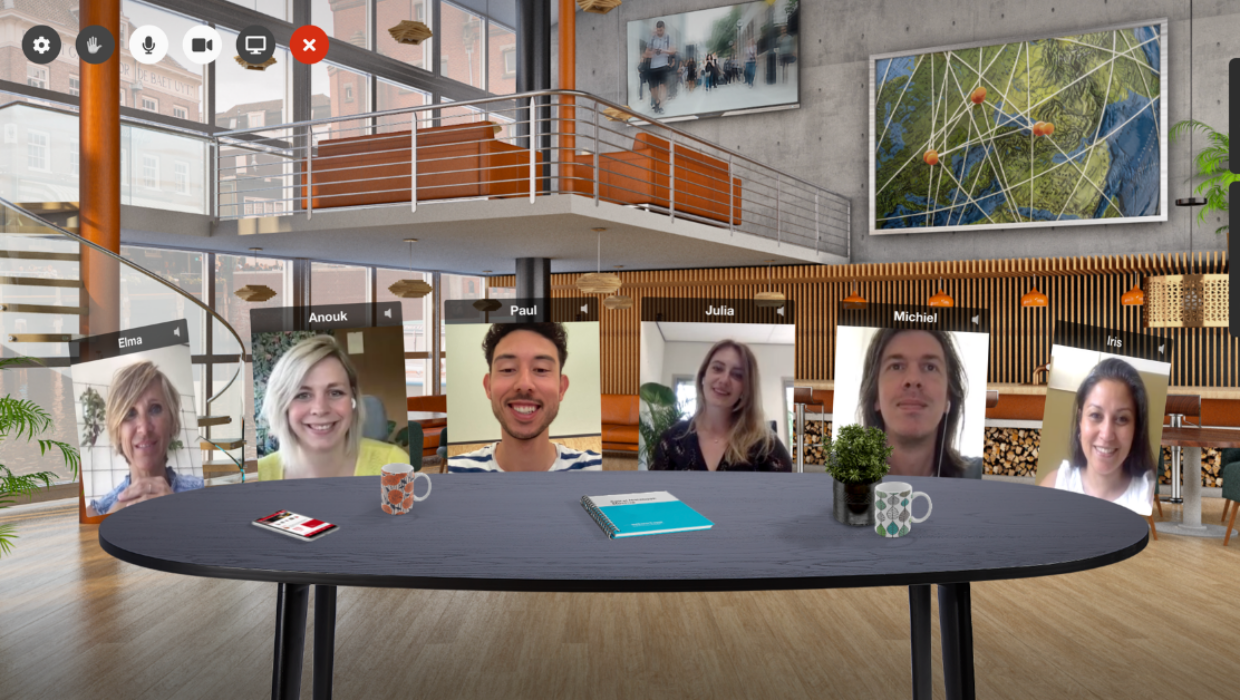
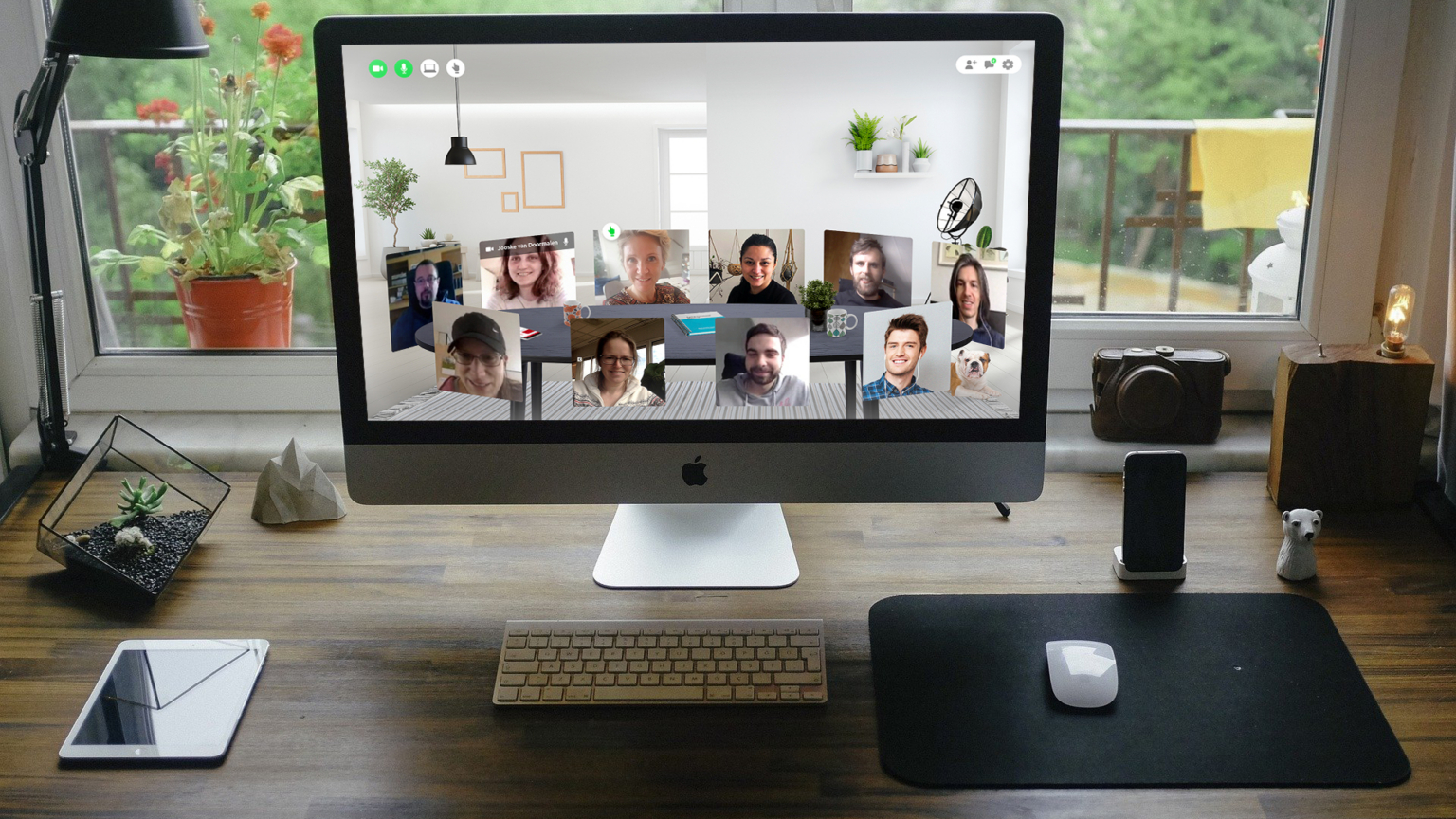
A video call is efficient and impersonal. What you miss is the sense of space: where people are sitting, who’s leaning forward, where the documents are on the table. In Networkapp’s virtual meeting room, known internally as the “virtual living room”, you can gather with up to ten people in an environment of your choosing. From a living room to a boardroom, from a hotel lobby to an operating room.

Your setting, your branding

You determine the look and feel. Add your logo, replace the background wall with your own design, and choose an atmosphere that suits the group. For a peer review session, a living room setting works better than a boardroom; for a sales meeting, it is precisely the reverse. That choice is yours and requires no design process.

No installation, no hassle beforehand

Attendees open a link in their browser and are right in the room. No downloads, no account creation, no plug-ins. That saves you the first ten minutes of every meeting, and it saves you from the attendee who just can’t get it to work.

Practical use cases

  • Roundtable sessions with changing participants

  • Peer review sessions (intervision) and work meetings with a fixed group

  • Pre- and post-discussions surrounding a webinar

  • Small-scale product or project presentations

  • Digital networking drinks after an online event

Chatting, screen sharing, and document sharing are built right into the room. Whatever you want to present can be put on the table—literally.

Use it standalone or as part of your event

The meeting room works standalone, without needing to organize an event. If you deploy it within the Networkapp platform, it becomes a breakout room alongside the main program. Combine it with the networking carousel, and attendees automatically rotate through new groups without you having to assign anyone.

When this is not the right choice

If you want to have a conversation with fifty people at once, this is the wrong tool. The room is built for a maximum of ten participants, because any conversation beyond that ceases to be a real conversation. For larger groups, use the talk show or the livestream, with the meeting rooms serving as breakouts around them.

Frequently Asked Questions about the virtual meeting room

How many people can fit in one room?

Ten, including the moderator. There is no limit to the number of rooms you can open at the same time.

Elma Bassa
CEO & Founder

Schedule a live event app demo.

Elma Bassa will show you all key features of the app and dashboard in +/- 20 minutes.
No hassle, just a direct answer to whether it fits your event.

You will receive a link for your selected date and time within 24 hours (Mon - Fri).